
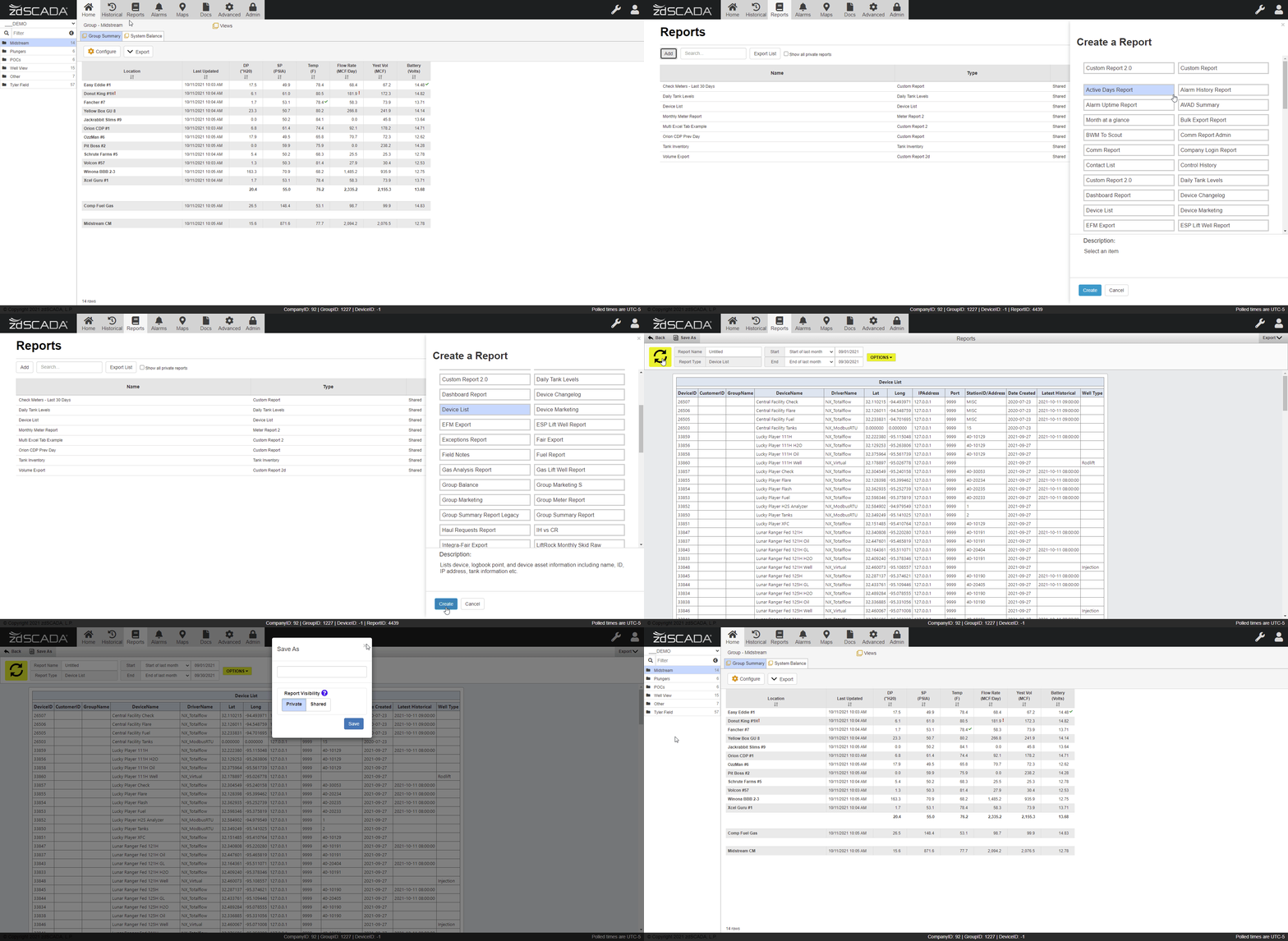
Users with sufficient access, typically all Full Access or higher users, are able to add and run a variety of pre-configured as well as customizable reports under the 'Reports' tab:
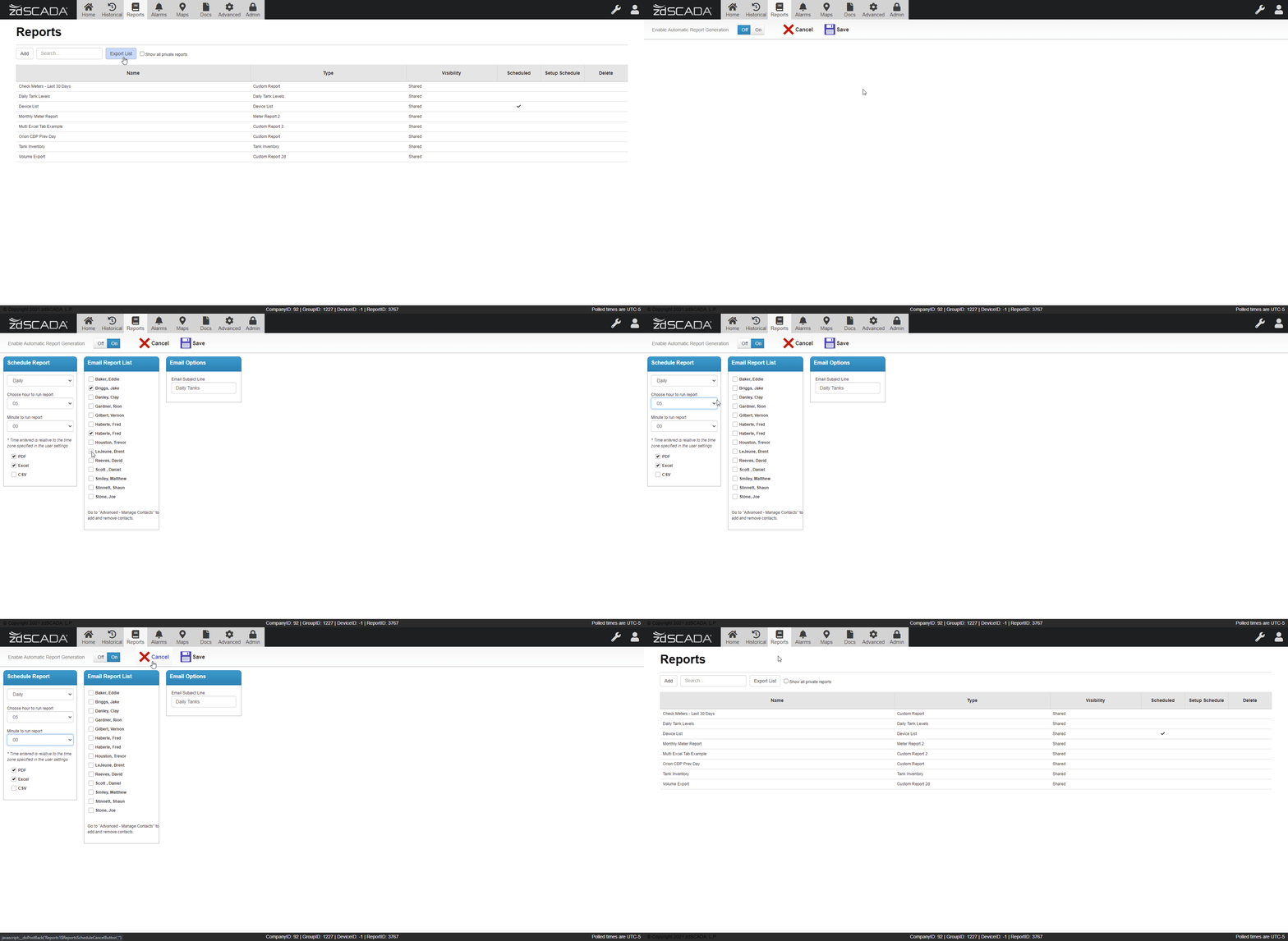
Once saved reports can then be scheduled for regular export to any company contacts (under 'Advanced>Contacts'):
Additional custom reports can also be created as needed.
Follow this link for more detailed instructions on creating a Power Report.
Please don't hesitate to contact us at support@zdscada.com or via telephone at (903) 526-1100 for any assistance, requests or inquiries.
Comments
0 comments
Please sign in to leave a comment.